How Do You Start the PS5 Preload?
The Download Opens Nine Days Before the Game
A PS5 can have Grand Theft Auto VI installed and still refuse to start it. For UK players, the advertised preload opens at midnight local time on 10 November 2026. The game unlocks at midnight local time on Thursday 19 November. PlayStation tells owners to have 212 GB available. Those three details answer three different questions. Can you download it today? Do you have room? When can you actually play?
What Does the 212 GB Figure Mean?
Treat 212 GB as a storage requirement when preparing the console. The number you need is the free space shown in Settings under Storage for the drive where the PS5 game will be installed. The capacity printed on the box describes the whole drive. System software, existing games, screenshots and recordings have already claimed part of it.
Suppose your console shows 175 GB free. You are at least 37 GB short of the stated requirement. Moving a 25 GB game will still leave you short, even though it looks like a substantial deletion. Looking at items in size order can save a frustrating evening deleting a dozen small games to make less room than one large installation would have freed.
The advertised storage requirement also answers a different question from your broadband bill. Download compression, installation and updates can affect how much data crosses a connection and how much space an installed game ultimately occupies. Sony’s figure is the one to use when making room. The live download screen is a better guide to the transfer that your particular console is attempting.
How Do You Start the PS5 Preload?
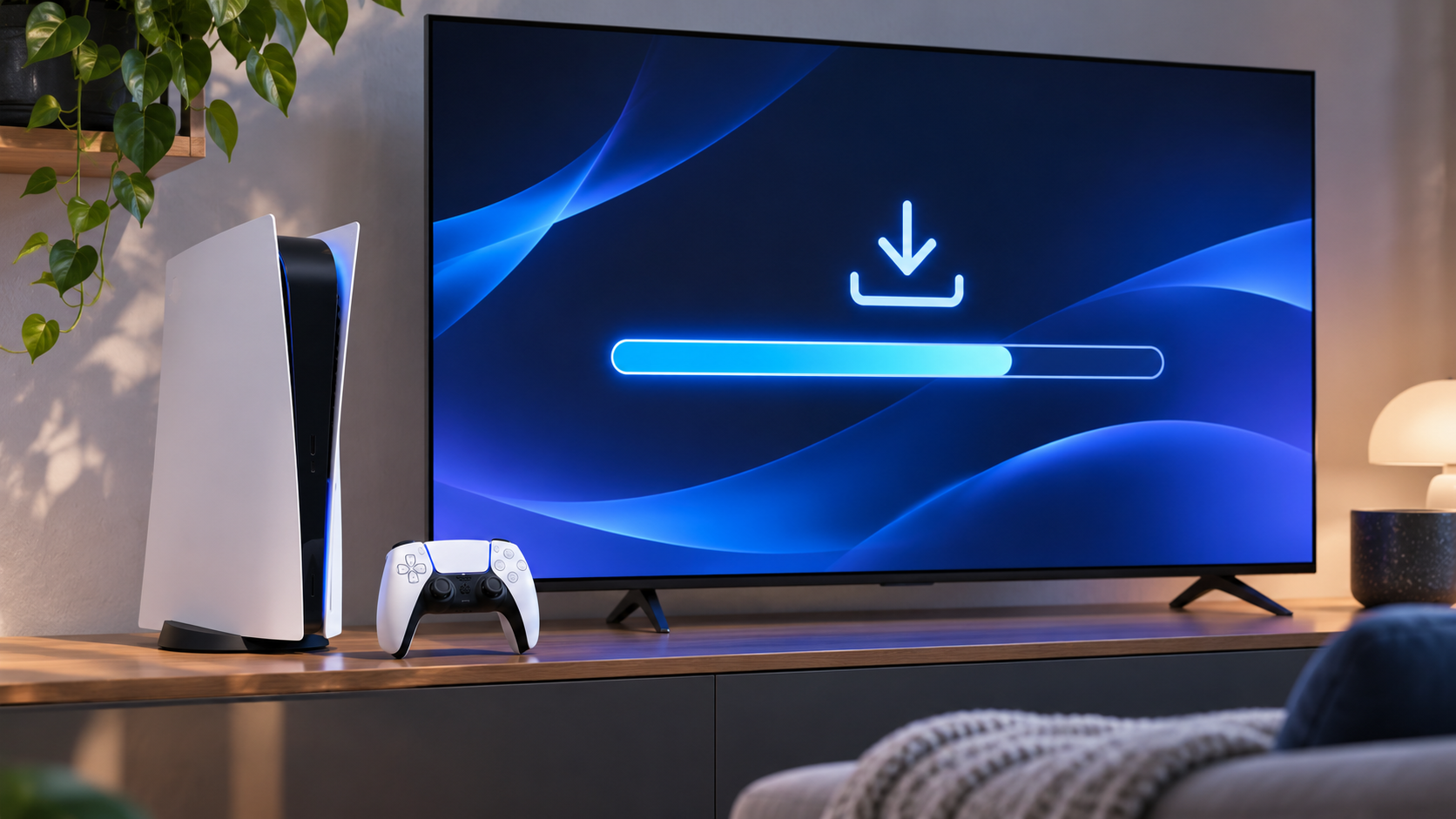
Sign in to the account that owns the digital pre-order and open the game in your library. Find the PS5 version and select the download option when it becomes available. If you enabled automatic downloading, check the downloads screen. The pre-order receipt confirms the transaction. A progress bar confirms the data is actually arriving.
If you are short on internal space, a compatible installed M.2 SSD can also run PS5 games. USB extended storage can hold PS5 games for safekeeping, but they must be moved back to suitable playable storage before launch. Moving a game you rarely play to USB can be quicker than deleting it and downloading it again later. Saved data and the game installation have separate controls. Look carefully at which screen you are using.
How Long Could the Download Take?
As a rough planning exercise, transferring 212 decimal gigabytes at a sustained 100 megabits per second would take about four hours and 43 minutes. At 50 Mbps it would take about nine hours and 25 minutes. At 25 Mbps the same exercise comes to nearly 19 hours. Those calculations assume a constant transfer rate and use the space requirement as an illustrative file size. The console’s actual download may differ.
Why the factor of eight? Broadband speeds are usually advertised in bits per second. Storage uses bytes, and each byte contains eight bits. A 100 Mbps line can carry at most about 12.5 megabytes per second before overheads. A household streaming television or another console downloading a large update can reduce the share available to the PS5. Starting early gives those delays somewhere to go.
What If You Bought a Box?
Check the wording of the UK product you ordered. PlayStation identifies a physical code-in-box edition. Owning an order confirmation from a retailer does not put that code in your PlayStation account. If the code comes inside a box on release day, the useful question for the retailer is when and how you will receive it. Keep the packaging and redemption instructions until the entitlement appears on the correct account.
For a digital buyer seeing a price instead of a download, first check the account, edition and transaction history. Buying the game again can create a second problem while leaving the first unexplained. A completed installation with a countdown is a different situation. It generally means the console is waiting for the release time.
Can the Console Download While You Are Away?
Rest mode can help if the console is configured to stay connected to the internet. Before leaving it overnight, start the transfer, let the estimate settle and check that the progress counter moves. A home screen showing attractive game artwork is less informative than the downloads panel. If a broadband provider has a data cap or a household depends on the connection for work, a transfer of this scale is worth timing deliberately.
A wired connection can help when the limiting factor is an unreliable wireless link inside the house. It cannot make the internet service faster than the speed supplied to the property. A speed test on a phone beside the router may therefore tell you very little about the rate achieved by a console two rooms away. The PS5’s download estimate, imperfect as it is, describes the relevant device.
What Should Two-Console Households Check?
Make space on the machine you actually plan to use. Freeing 250 GB on a living-room PS5 does nothing for an installation attempted on a bedroom console. Check the signed-in account too, particularly if several family members have made pre-orders over the years. A library entry and a payment confirmation become much easier to reconcile when the account names match.
Keep some flexibility in the evening’s plans. Reaching the end of the main download, finishing any installation work and reaching the play screen are separate events. A console left untouched until a few minutes before midnight gives you very little time to discover an interrupted transfer. Checking progress earlier in the day is the simplest way to make launch night depend mostly on the clock.
When Can UK Players Enter the Game?
Midnight on Thursday 19 November means the night between Wednesday and Thursday. At 11.59 pm on Wednesday 18 November, a UK player is still a minute early. Finishing the preload on the 10th brings the wait for the download forward. It leaves the release clock exactly where it was.
